Image models from 9 leading AI companies
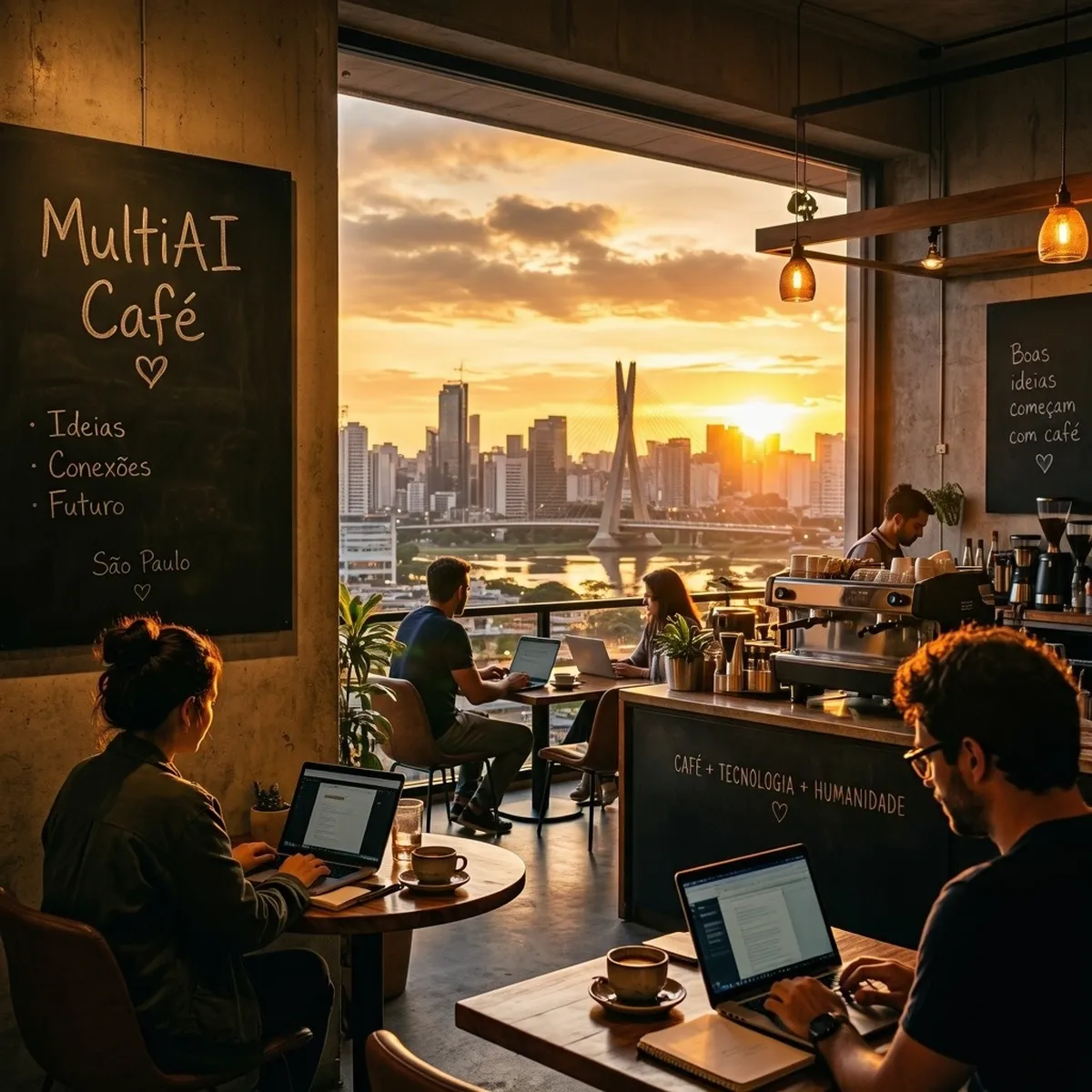
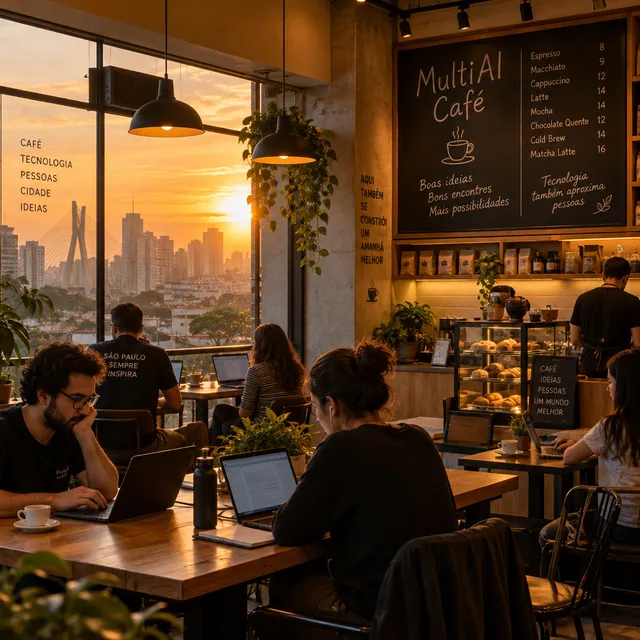
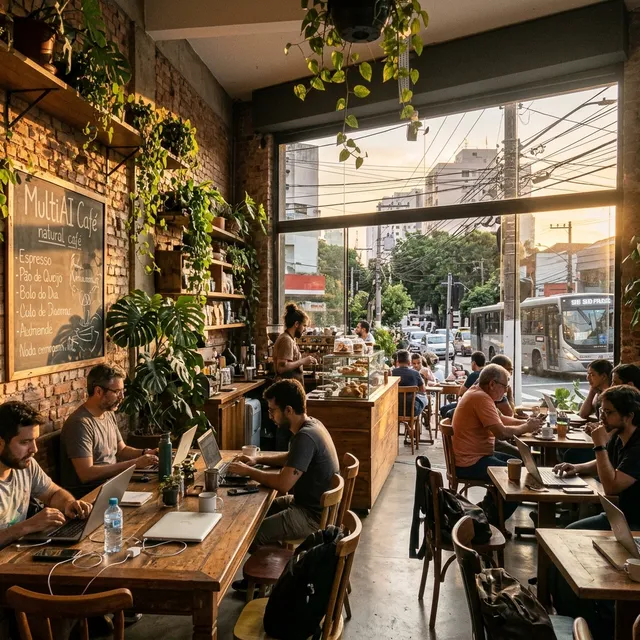
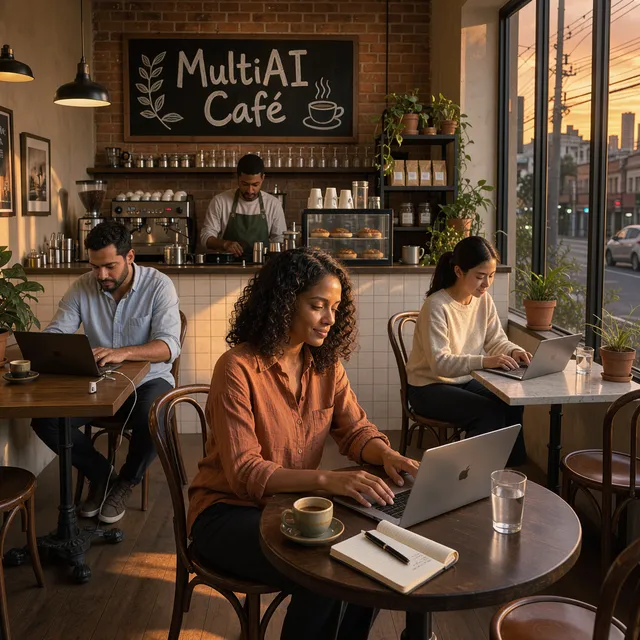
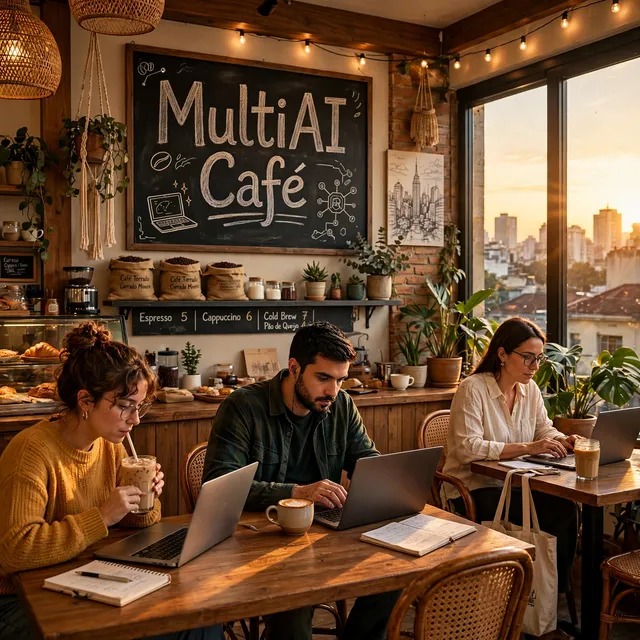
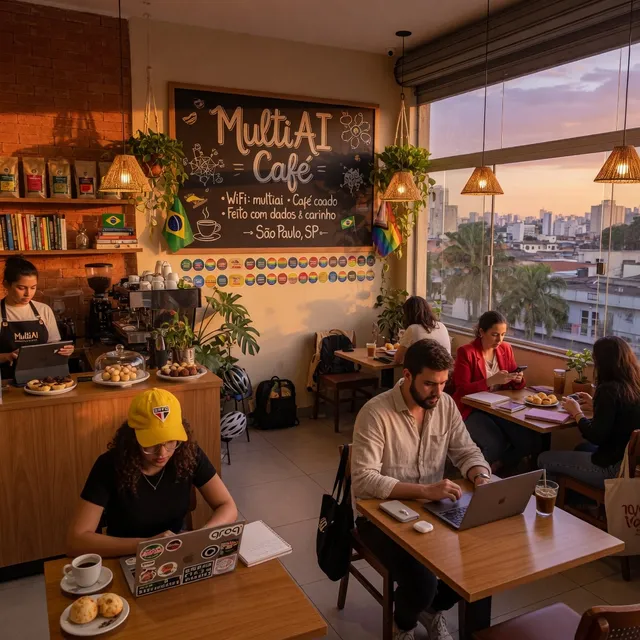
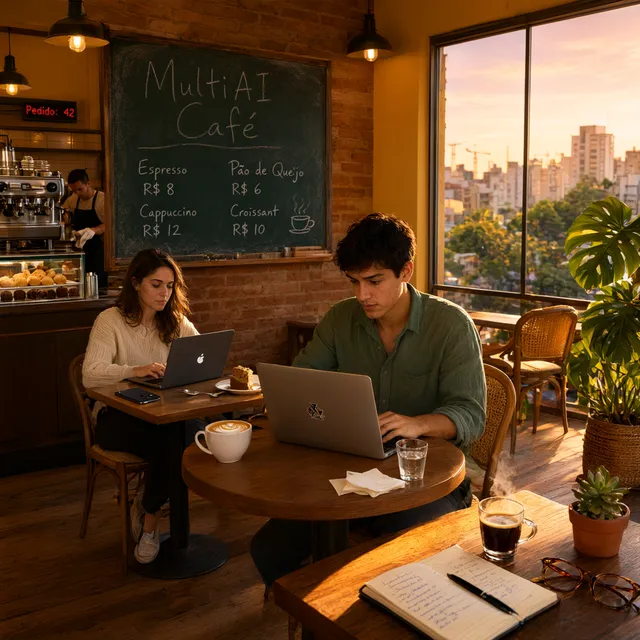
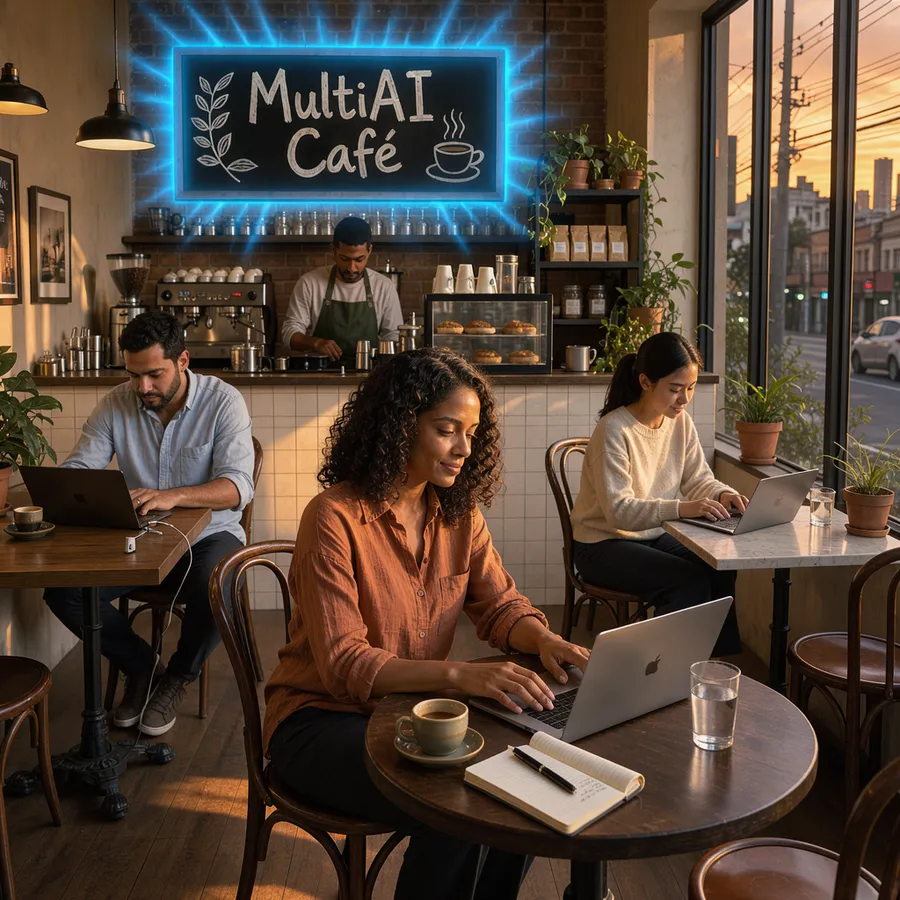
Most apps give you one image generator. MultiAI Chat gives you 15 models from 9 leading AI companies: GPT Image from OpenAI, Nano Banana from Google, FLUX from Black Forest Labs, Muse Image from Meta, MAI Image from Microsoft, Grok Imagine from xAI, Seedream from ByteDance, Qwen Image from Alibaba and Recraft. Each model has its own style — some are more photorealistic, some more artistic, some better at text inside the image — so with the same prompt you can get very different results.
What you can create
Logos and icons, posts for Instagram and Facebook, stories and Reels covers, YouTube and website banners, posters, flyers, phone wallpapers, illustrations and product scenes. You write the request in your own language — the assistant turns it into a detailed description for the image model, so you don't need to know how to write prompts.
Edit your own photos
Attach a photo and describe the change: add an effect, change the lighting or the background, turn it into an illustration or a cartoon, or make a profile or team picture. The model works on your actual photo and keeps the same person, face and pose — only what you asked for changes. For photos with children, only harmless effects and backgrounds are allowed.
How it works
Choose “Image” in the menu, or simply ask in any chat — for example “create a logo for a coffee shop called Morning Brew”. On Pro and Max, pick the image model from the button next to the message box; your choice is remembered. The image appears in the conversation, usually within a minute, with a button to download it as PNG. Want a change? Write it in the next message (“make the background blue”, “add the text Sale -20%”) and you get a new version.
The right format for where you will post it
The shape is chosen from how the image will be used: square (1:1) for logos and feed posts, vertical (9:16) for stories, Reels, TikTok and phone wallpapers, wide (16:9) for YouTube, website banners and presentations, plus 4:3 and 3:4. Just mention where you will use the image, or name the format yourself. Every image is saved as a PNG file.
Limits by plan
Image generation is included in every plan, including the free one, with no card required. The free plan creates images with a high-quality model chosen for you. Pro and Max let you choose any of the 15 models and give you more images per day. The daily counter starts with your first image and resets 24 hours later; only images that were actually created are counted. In Image mode you always see how many images you have left today.
What it will not create
Nudity or sexual content, minors in any sensitive context, a real person shown doing something illegal, violent, sexual or humiliating, graphic violence or gore, hate symbols, and fake documents, IDs or money.